Skip to content
No results
  • Home
  • About
  • Contact
  • Privacy Policy
  • Disclaimer
  • Terms of Use
  • Cookie Policy
ScreenlumenScreenlumen
Screenlumen

Simple tech tutorials and step-by-step walkthroughs

  • Home
  • About
  • Contact
  • Privacy Policy
  • Disclaimer
  • Terms of Use
  • Cookie Policy
ScreenlumenScreenlumen
Screenlumen

Simple tech tutorials and step-by-step walkthroughs

How to Use Apple Reminders on iPhone: Complete Beginner’s Guide
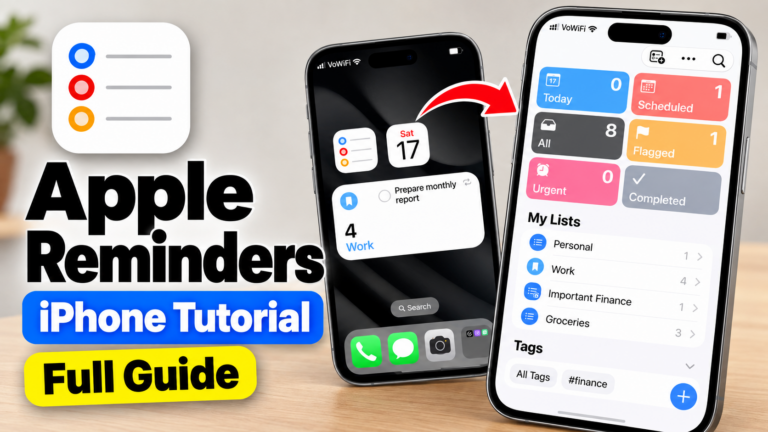
A step-by-step guide to Apple Reminders on iPhone, covering tasks, notifications, subtasks, tags, widgets, Smart Lists, Calendar integration, iCloud sync, and its main limitations.

Read MoreHow to Use Apple Reminders on iPhone: Complete Beginner’s Guide
  • 2026-10-17

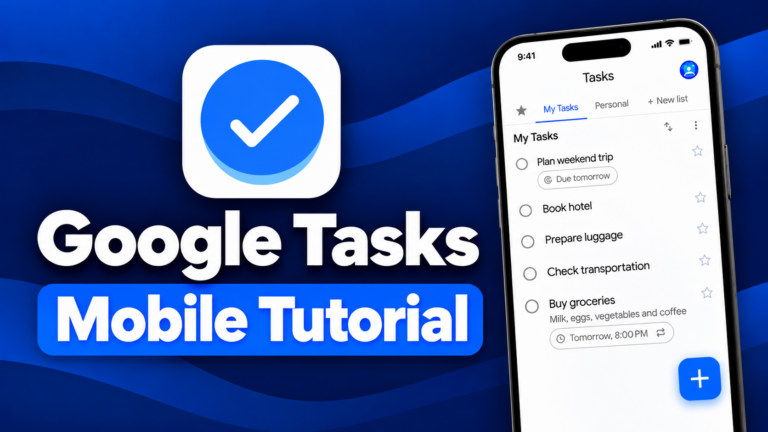
Google Tasks Mobile Tutorial: A Complete Beginner’s Guide

Learn how to use Google Tasks on iPhone and Android. Create tasks, set reminders, add subtasks, organize lists, and sync with Google Calendar.
Read MoreGoogle Tasks Mobile Tutorial: A Complete Beginner’s Guide
  • 2026-10-14

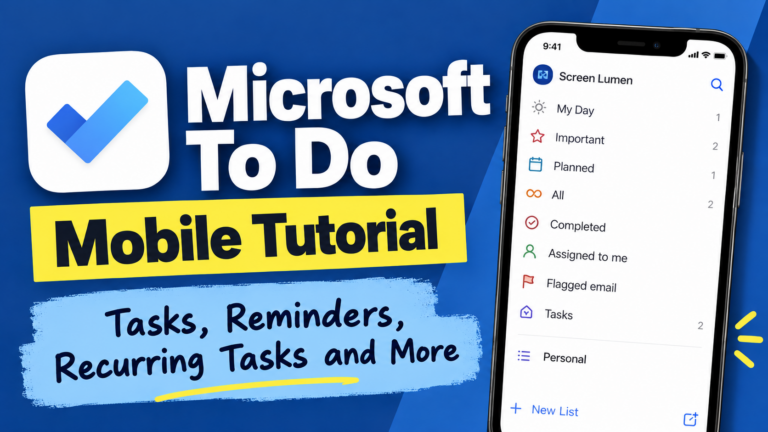
Microsoft To Do Mobile App Tutorial: Tasks, Reminders, Recurring Tasks, and More

Microsoft To Do is a free task-management app with reminders, recurring tasks, subtasks, notes, attachments, widgets, and cross-device syncing. This guide walks through its main mobile features and limitations.

Read MoreMicrosoft To Do Mobile App Tutorial: Tasks, Reminders, Recurring Tasks, and More
  • 2026-10-05

hello world.

Read Morehello world.
  • 2026-09-27

Recent Posts

  • How to Use Apple Reminders on iPhone: Complete Beginner’s Guide
  • Google Tasks Mobile Tutorial: A Complete Beginner’s Guide
  • Microsoft To Do Mobile App Tutorial: Tasks, Reminders, Recurring Tasks, and More
  • hello world.

Recent Comments

No comments to show.

Archives

  • October 2026
  • September 2026

Categories

  • To Do
  • Uncategorized

© 2026 Screenlumen. All rights reserved.

YouTube Facebook
Your privacy choices

Screenlumen uses necessary cookies and similar technologies to operate and secure the site. With your permission, we also use analytics and embedded services such as YouTube to understand site usage and display external content. You can accept all optional technologies, reject non-essential ones, or manage your preferences.

Functional Always active
Required for the website to work properly and securely.
Preferences
Stores choices that improve your experience, such as saved preferences.
Statistics
Helps us understand how visitors use Screenlumen so we can improve the site. The technical storage or access that is used exclusively for anonymous statistical purposes. Without a subpoena, voluntary compliance on the part of your Internet Service Provider, or additional records from a third party, information stored or retrieved for this purpose alone cannot usually be used to identify you.
Marketing
Used by third-party services, such as embedded media, that may track activity across websites.
  • Manage options
  • Manage services
  • Manage {vendor_count} vendors
  • Read more about these purposes
Manage preferences
  • {title}
  • {title}
  • {title}
Your privacy choices

Screenlumen uses cookies and similar technologies to operate the site, understand how it is used, and support embedded content such as YouTube. You can manage your privacy preferences or opt out of certain non-essential technologies at any time using the cookie settings.

Functional Always active
Required for the website to work properly and securely.
Preferences
Stores choices that improve your experience, such as saved preferences.
Statistics
Helps us understand how visitors use Screenlumen so we can improve the site. The technical storage or access that is used exclusively for anonymous statistical purposes. Without a subpoena, voluntary compliance on the part of your Internet Service Provider, or additional records from a third party, information stored or retrieved for this purpose alone cannot usually be used to identify you.
Marketing
Used by third-party services, such as embedded media, that may track activity across websites.
  • Manage options
  • Manage services
  • Manage {vendor_count} vendors
  • Read more about these purposes
Manage preferences
  • {title}
  • {title}
  • {title}